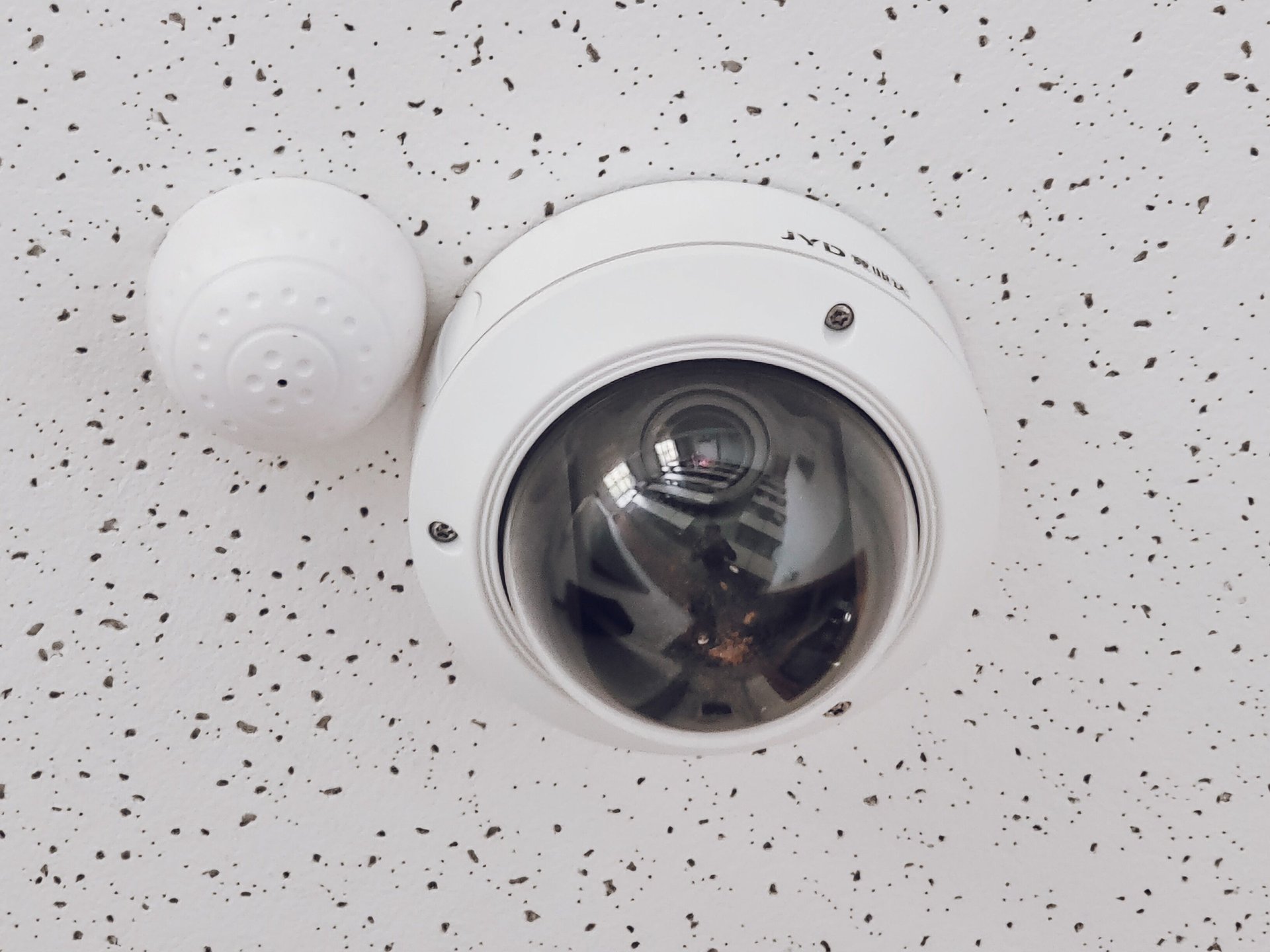
You have a 2020-2023 CCTV system working perfectly. The cameras are Axis M-series, Dahua, Hikvision Pro, or Hanwha Wisenet. The investment is amortized. Replacing the entire stack to add CV analytics is the worst technical and commercial decision you can make.
The real question: how do you add queue analytics, occupancy heatmaps, shrinkage detection, and PPE compliance over your existing CCTV, without replacing a single camera, in 1-3 weeks per site?
The problem: the replacement cycle is expensive and slow
The traditional CCTV upgrade cycle works like this: RFP → vendor selection → 12-16 weeks of installation → historical footage migration → operational downtime → significant CAPEX. For a retail chain with 50-200 sites, the cost of a full change is $1.5-3M USD (cameras + installation + downtime + migration), and the cycle is 6-9 months from start to finish.
But most 2020-2023 CCTV systems already have enough hardware to run edge or cloud analytics. What’s missing is the software analytics layer. And that layer can be added without touching a single camera.
The math:
| Approach | CAPEX (50 sites) | Timeline | CAPEX per camera | Maintenance |
|---|---|---|---|---|
| Full replacement | $1.5-3M USD | 6-9 months | $300-600 USD | 8-12% CAPEX/year |
| Edge AI retrofit | $200-400K USD | 6-9 weeks | $40-80 USD | 5-8% CAPEX/year |
| Cloud analytics plugin | $50-150K USD | 4-6 weeks | $10-30 USD | 15-20% CAPEX/year |
| Agnostic (recommended) | $150-350K USD | 4-8 weeks | $30-70 USD | 6-10% CAPEX/year |
Key read: the agnostic retrofit costs 5-10% of a full replacement, takes 1/10 the time, and annual maintenance is comparable.
Why the obvious fix fails: “just add cloud analytics”
The obvious fix is “buy Verkada/Genetec cloud analytics and add the plugin.” It works for basic occupancy. But it fails in 3 critical cases:
-
Sensitive footage cannot leave the perimeter (LFPDPPP, GDPR, enterprise contracts with on-premise clause). 2020-2023 cameras are in cloud-only mode or have firewall blocking cloud egress.
-
Retail with intermittent connectivity (LATAM rural branches, malls with saturated WiFi). Cloud analytics requires constant connection. Edge AI works offline.
-
Sub-30 second decision needed (gas station drive-off, QSR peak-hour queue overflow). Cloud + local decision latency is 1.5-3 seconds. Edge AI is <300ms.
For these 3 cases, you need edge AI on-premise: a mini-PC ($200-500 USD) connected to existing cameras via RTSP/ONVIF, running the analytics model locally, and sending only alerts/dashboard data.
What actually works: 3 agnostic retrofit architectures
There are 3 architectures that work over existing CCTV without replacing cameras. Each has trade-offs.
Option A: Edge AI on-premise (mini-PC + model)
How it works: you buy an industrial mini-PC (Intel NUC, Jetson Orin, or similar), connect via PoE to existing cameras, install a pre-trained CV model (YOLO + classification), and results are sent to a local dashboard.
CAPEX per site: $300-800 USD (mini-PC + model + installation).
Pros:
- Zero cloud dependency
- Latency <300ms
- Works offline
- Footage never leaves perimeter
- Customizable (train your own model for specific cases)
Cons:
- Requires physical installation
- Annual license model ($50-200 USD/site)
- You need someone to maintain the system
Best for: retail with on-premise clauses, gas stations (drive-off sub-30s), QSR with critical peak-hour, casinos with state-level compliance.
Option B: Cloud analytics plugin (VMS-as-a-Service)
How it works: your existing VMS (Genetec, Avigilon, Milestone) has a cloud analytics plugin. Cameras keep recording on-premise, but footage goes to cloud for analysis. Results return to local VMS for alerts.
CAPEX per site: $100-300 USD (license + connection).
Pros:
- No additional hardware
- Automatic model updates
- Vendor maintains the model
Cons:
- Footage leaves perimeter (LFPDPPP concern)
- Latency 1.5-3s
- Requires stable connection
- Vendor lock-in
- Higher recurring annual cost
Best for: corporate offices, retail without on-premise clauses, hospitality (hotels), sites with stable connection and non-sensitive footage.
Option C: Hybrid (edge for critical + cloud for rest)
How it works: edge AI on-premise for the 5-10 critical cameras (drive-thru, POS, dock), cloud analytics for the rest (50-200 coverage cameras).
CAPEX per site: $400-900 USD (critical edge + cloud coverage).
Pros:
- <300ms latency where it matters
- Optimized cost
- Best of both worlds
Cons:
- More complex to maintain
- 2 vendors to coordinate
- Requires integration work
Best for: mixed chains (urban + rural), retail with some sensitive sites, QSR + gas station combined.
Before/after: real case (22-store MX retail chain)
Client: Mexican retail chain, 22 stores, 4-22 cameras per store (avg 14), Axis M-series CCTV 2021-2023.
Original RFP (full replacement): $1.8M USD, 9 months, single vendor.
Revised RFP (edge AI retrofit option C): $285K USD, 7 weeks, edge AI on-premise + cloud plugin.
CAPEX breakdown:
- 22 Intel NUC mini-PCs + models: $8,800 USD
- 22 edge AI annual licenses: $4,400 USD
- Cloud plugin 22 sites: $66,000 USD/year
- Installation 22 sites: $176,000 USD
- Dashboard integration: $30,000 USD
- Total CAPEX: $285K USD
ROI:
- Edge AI shrinkage detection: catch 35-45% more incidents than manual footage review
- Queue analytics: reduce avg wait time 8.5 min → 5.2 min (39% improvement)
- Occupancy heatmap: optimize staffing, reduce overtime 12-18%
- Estimated annual savings: $380K USD (shrinkage + staffing + labor)
- Payback: 9 months
What the client did NOT have to do:
- Replace 308 cameras (saved $1.4M USD)
- Migrate historical footage (saved $80K USD)
- Operational downtime (saved lost sales)
- 6 months of timeline (saved project time)
What to do this week (no expert required)
If you have a working 2020-2023 CCTV and want to add analytics, here’s the actionable list:
- Audit what cameras you have and their state. Model, resolution, ONVIF compliance, PoE. Cost: $0, 2 hours with a technician.
- Define what analytics you need. Queue, occupancy, shrinkage, PPE, drive-off — prioritize by value. Cost: $0, 1 hour with ops/security.
- Calculate the CAPEX of the 3 options (A, B, C) for your number of sites. Cost: $0, 1-2 hours with a spreadsheet.
- Pilot 1 site with edge AI before rollout. Cost: $500-1,500 USD (mini-PC + setup + 1 month license). Time: 1-2 weeks.
- If pilot works, rollout to 3-5 sites in parallel before full scale. Cost: proportional. Time: 4-8 weeks.
Each action takes under 4 hours (except rollout, which is iterative). Expected benefit: 30-50% shrink reduction + 10-20% operational efficiency improvement, without replacing a single camera.
If your team needs support defining the right approach, tell us about your current stack and we’ll recommend the retrofit architecture that best fits your regulatory clauses + budget + use case. Initial diagnosis is free.
📌 Executive summary (1 minute)
| Approach | CAPEX (50 sites) | Timeline | Latency | On-premise |
|---|---|---|---|---|
| Full replacement | $1.5-3M USD | 6-9 months | n/a | Optional |
| Edge AI retrofit (A) | $200-400K USD | 6-9 weeks | <300ms | ✅ Yes |
| Cloud plugin (B) | $50-150K USD | 4-6 weeks | 1.5-3s | ❌ No |
| Hybrid (C) | $400-900K USD | 4-8 weeks | Variable | Partial |
Recommendation: for LATAM retail with on-premise clauses + critical drive-off, edge AI retrofit option A (15-25% of replacement cost).
Frequently asked questions
Do I need 4K cameras for analytics to work well? No. Most queue, occupancy, and shrinkage analytics work with 1080p. For face recognition or LPR plate reading, yes you need 4K. But for typical retail/QSR/gas station cases, 1080p is sufficient.
Does edge AI respect LFPDPPP/LGPD? Yes, and it’s actually the MOST respectful option. Footage never leaves the perimeter. Only non-identifiable alerts are sent to the dashboard. Verify with your DPO before deployment, but technically edge AI is the recommended approach by privacy regulators for CCTV analytics.
What if my CCTV is very old (2015-2018)? Works with caveats. Pre-2018 cameras typically don’t support ONVIF Profile S well, and many use old H.264 codec. Analytics can run, but detection quality drops 15-25%. For those cases, the decision is: (a) edge AI with acceptable quality, (b) replace 20-30% of oldest cameras (not all). Decision depends on the critical use case.
How long does deployment take per site? Typical edge AI retrofit: 1-3 days per site (installation + config + testing). Cloud plugin: 1-2 hours per site (it’s software, not hardware). The bottleneck is connectivity, not installation.
Can I mix vendors (Axis + Dahua + Hikvision)? Yes. Edge AI retrofit works with any ONVIF-compliant camera. The analytics software runs over the RTSP stream, not over the specific vendor. That’s one of the great advantages of the agnostic approach: zero lock-in.
What about maintenance? Who does it? Three options: (a) your internal IT team (if they have Linux + networking skill), (b) the edge AI vendor (typically 5-10% CAPEX/year), (c) a local MSP. For chains with 10+ sites, option (b) with a single vendor is most common. For smaller chains, (a) if you have capacity, (c) if not.
Sources
- [1] Yedda.ai — Edge AI analytics for existing CCTV — https://yedda.ai/docs/edge-analytics-existing-cctv
- [2] MarketsandMarkets — Retail Analytics Market 2025-2030 — https://www.marketsandmarkets.com/Market-Reports/retail-analytics-market-1201.html
- [3] Verkada — Cloud-managed video analytics — https://www.verkada.com/products/analytics/people-counting/
- [4] Genetec — Occupancy analytics plugin — https://www.genetec.com/products/add-on-modules/occupancy-analytics
- [5] Jedi field verification — 8 LATAM edge analytics retrofit deployments (Q2-Q3 2026)