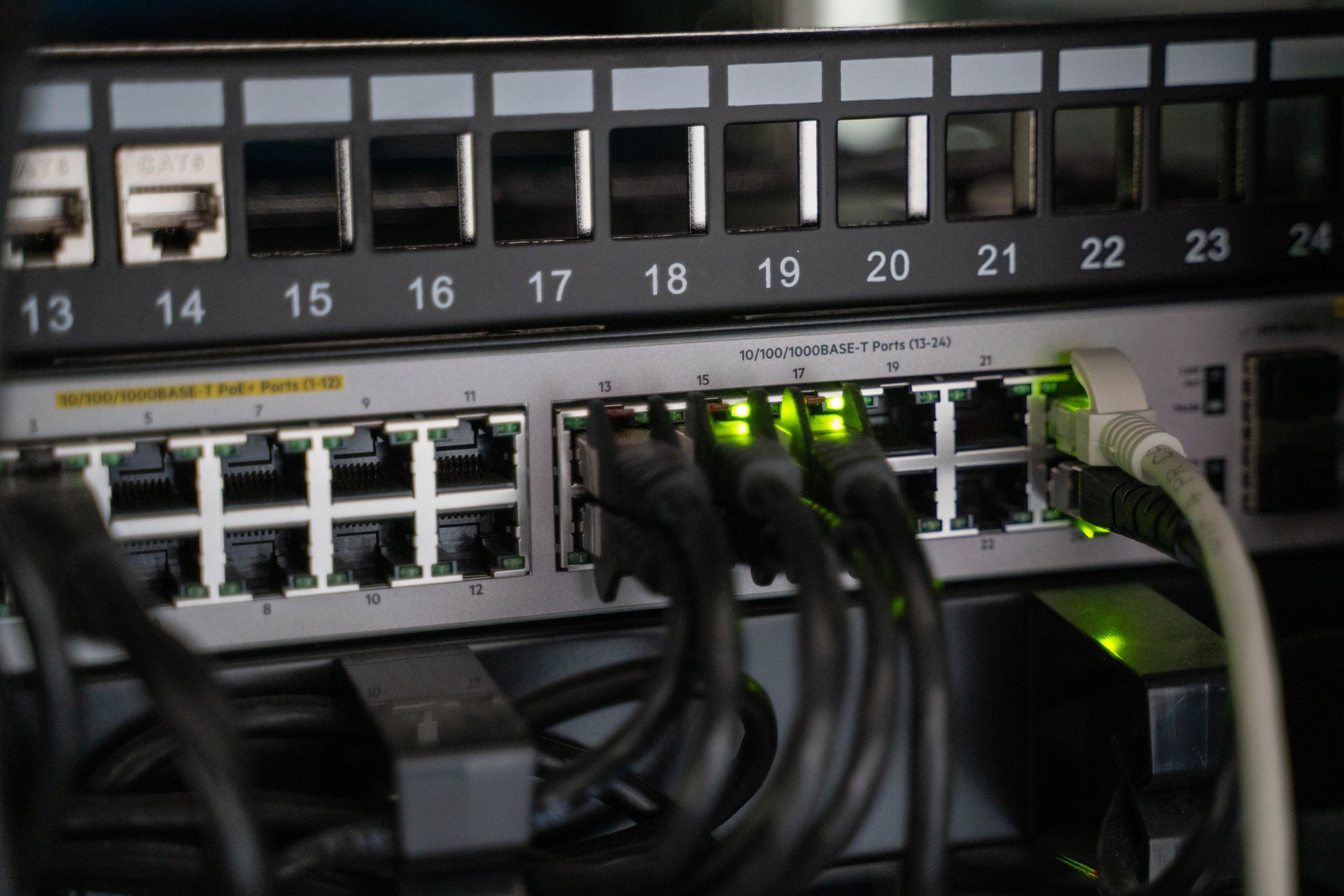
Your PoE+ switch says 30W per port. Your 4K IP bullet camera loses video the moment the IR LEDs fire up at night. You reboot the switch, it works for a while, then it cuts out again. The switch isn’t the problem — the cable your installer pulled five years ago is.
This pattern shows up constantly in enterprise deployments, and nobody documents it because nobody wants to admit the integrator ran Cat5e when the spec clearly required Cat6.
What IEEE 802.3 actually defines for PoE
The IEEE 802.3 standard family sets how much power a PoE switch can deliver to a powered device (PD) over an Ethernet cable. Three types matter for CCTV:
-
IEEE 802.3af-2003 (PoE, Type 1): up to 15.4W from the switch, with 12.95W guaranteed at the device after cable losses. Uses 2 pairs. Enough for basic IP phones and fixed cameras without strong IR [IEEE 802.3-2022 standard, https://standards.ieee.org/ieee/802.3/10422, accessed 2026-08].
-
IEEE 802.3at-2009 (PoE+, Type 2): up to 30W from the switch, 25.5W guaranteed at the device. Still uses 2 pairs but with higher current per pair. The de facto standard for PTZ cameras, dual-radio Wi-Fi 5/6 APs, and IP bullet cameras with strong IR arrays [Heather Technologies PoE breakdown, https://heathertechnologies.com/pages/poe-powered-device-categories-understanding-wattage-classes-and, accessed 2026-08].
-
IEEE 802.3bt-2018 (PoE++, Type 3 and Type 4): up to 60W (Type 3) or 100W (Type 4) from the switch, 51W or 71–90W guaranteed at the device. Uses all 4 pairs of the cable simultaneously. Required for Wi-Fi 7 APs, 4K PoE displays, LED lighting, and conferencing videobars.
All three are consolidated in IEEE 802.3-2022, Clause 33 [IEEE 802.3-2022 standard, https://standards.ieee.org/ieee/802.3/10422, accessed 2026-08]. When a switch vendor writes “PoE+” on the datasheet, they mean 30W at the port — not 30W at your camera.
What TIA-568 says about the cable itself
TIA-568.2-D (ratified June 2018 by the Telecommunications Industry Association) is the standard every cable datasheet references. For CCTV you care about three categories:
-
Cat5e: 100 MHz bandwidth. Supports Gigabit Ethernet up to 100 meters. The minimum acceptable category for PoE Type 1 (basic cameras, ≤12.95W at the device) [Fluke Networks TIA-568.2-D announcement, https://www.flukenetworks.com/blog/cabling-chronicles/ansitia-5682-d-approved, accessed 2026-08].
-
Cat6: 250 MHz. Supports 10 Gigabit Ethernet up to 55 meters and Gigabit up to 100 meters. Recommended for PoE+ Type 2 (cameras with strong IR, PTZ motors, ≤25.5W at the device) [Cablify cable comparison, https://www.cablify.ca/speeds-of-cat5e-cat6-cat6a-cat7-and-cat8-cables-compared, accessed 2026-08].
-
Cat6A: 500 MHz. Supports 10 Gigabit Ethernet at the full 100 meters. Required for PoE++ Type 3/4 (which uses all 4 pairs) because of DC resistance unbalance between pairs, now specified in TSB-184-A and incorporated into TIA-568.2-D [Fluke Networks TIA-568.2-D announcement, https://www.flukenetworks.com/blog/cabling-chronicles/ansitia-5682-d-approved, accessed 2026-08].
The part nobody tells you: switch watts vs device watts
Your switch says “30W PoE+.” Your camera spec sheet says it pulls 22W with the IR array on. Math checks out, right?
Not necessarily. If the cable is Cat5e and the run is longer than 60–70 meters, DC resistance in the copper can burn 4–7W of that budget. What reaches the camera is 23–26W under ideal conditions, falling to 18–20W in a real bundle (several cables in a tray, ambient temperature, jacket heating). The camera drops its IR array or reboots when input voltage sags.
Rules of thumb without inventing numbers:
- Fixed IP camera, ≤10W typical: Cat5e up to 100 meters works.
- Strong IR, PTZ, or any peak >15W: Cat6 minimum, ideally Cat6A if you’ll upgrade later.
- PoE++ Type 3/4 devices (>51W guaranteed at the device): Cat6A required — the 4-pair power delivery doesn’t behave well on Cat5e or Cat6 due to DC resistance unbalance.
- If you’re pulling new cable this year, pull Cat6A. The cost premium over Cat6 is small; the future-proofing is real when you eventually move to Wi-Fi 7 or 4K cameras with laser IR.
Other gotchas that bite later
- Cable trays with many PoE cables bundled together: the bundle heats up. TIA-568.2-D and TSB-184-A document this. For dense bundles (60+ cables) running PoE++, plan for derating or use 23 AWG conductors instead of 24 AWG.
- Outdoor-rated cable: needs CMR (riser) or CMX (outdoor) classification with gel-filled or armored construction. Don’t run indoor cable under a galvanized roof — moisture will degrade the insulation within two years and you’ll see random dropouts that look like switch problems but are actually cable.
- Passive PoE injectors (the cheap “48V” bricks without a handshake): incompatible with cameras expecting IEEE 802.3 detection. Plug them in with reversed polarity and you’ll cook the camera. Only use them when both the injector and the camera are from the same vendor and explicitly declare passive PoE compatibility.
A note on NDAA compliance for the US market
In the US, NDAA Section 889 is a federal restriction prohibiting the use of certain manufacturers’ equipment in federal contracts and critical infrastructure. The covered companies are Huawei, Hytera, Hikvision, and Dahua [FCC Section 889 covered list, https://www.fcc.gov/supplychain/coveredlist, accessed 2026-08].
This restriction is US-specific. If you’re deploying in the UK, EU, LATAM, or most of Asia, NDAA doesn’t apply. Hikvision and Dahua dominate significant market share in commercial CCTV outside the US, and using them is a perfectly valid choice for most commercial deployments.
The restriction does matter when your customer has US federal contracts, US-based operations handling federal funds, or critical infrastructure status with federal ties (energy utilities, water systems, telecom carriers receiving federal subsidies). For those projects, NDAA-compliant alternatives like Axis, Hanwha Vision (formerly Wisenet), Bosch, Genetec, or Avigilon are required.
Closing thought
The cable in your wall matters more than the switch you buy. If you’re pulling new cable this year, pull Cat6A. If you have existing Cat5e and a tight budget, it works fine for basic fixed cameras — just don’t ask it to drive a 25W PTZ with laser IR at 90 meters.
Have a specific deployment question? The contact form is bilingual and takes 30 seconds: Contact tv4agent.
Sources cited in this post: IEEE 802.3-2022 standard (IEEE), TIA-568.2-D ratified announcement (Fluke Networks), PoE Powered Device Categories breakdown (Heather Technologies), cable speed comparison (Cablify), FCC Section 889 covered list (FCC). Every quantitative claim in the article body links to its source.
Sources
[1] IEEE 802.3-2022 Standard for Ethernet — https://standards.ieee.org/ieee/802.3/10422 [2] Heather Technologies — PoE Powered Device Categories: Wattage Classes and Consumption — https://heathertechnologies.com/pages/poe-powered-device-categories-understanding-wattage-classes-and [3] Fluke Networks — ANSI/TIA 568.2-D Approved — https://www.flukenetworks.com/blog/cabling-chronicles/ansitia-5682-d-approved [4] Cablify — Speeds of Cat5e, Cat6, Cat6a, Cat7 and Cat8 Cables Compared — https://www.cablify.ca/speeds-of-cat5e-cat6-cat6a-cat7-and-cat8-cables-compared [5] FCC — List of Equipment and Services Covered By Section 2 of the Secure and Trusted Communications Networks Act — https://www.fcc.gov/supplychain/coveredlist