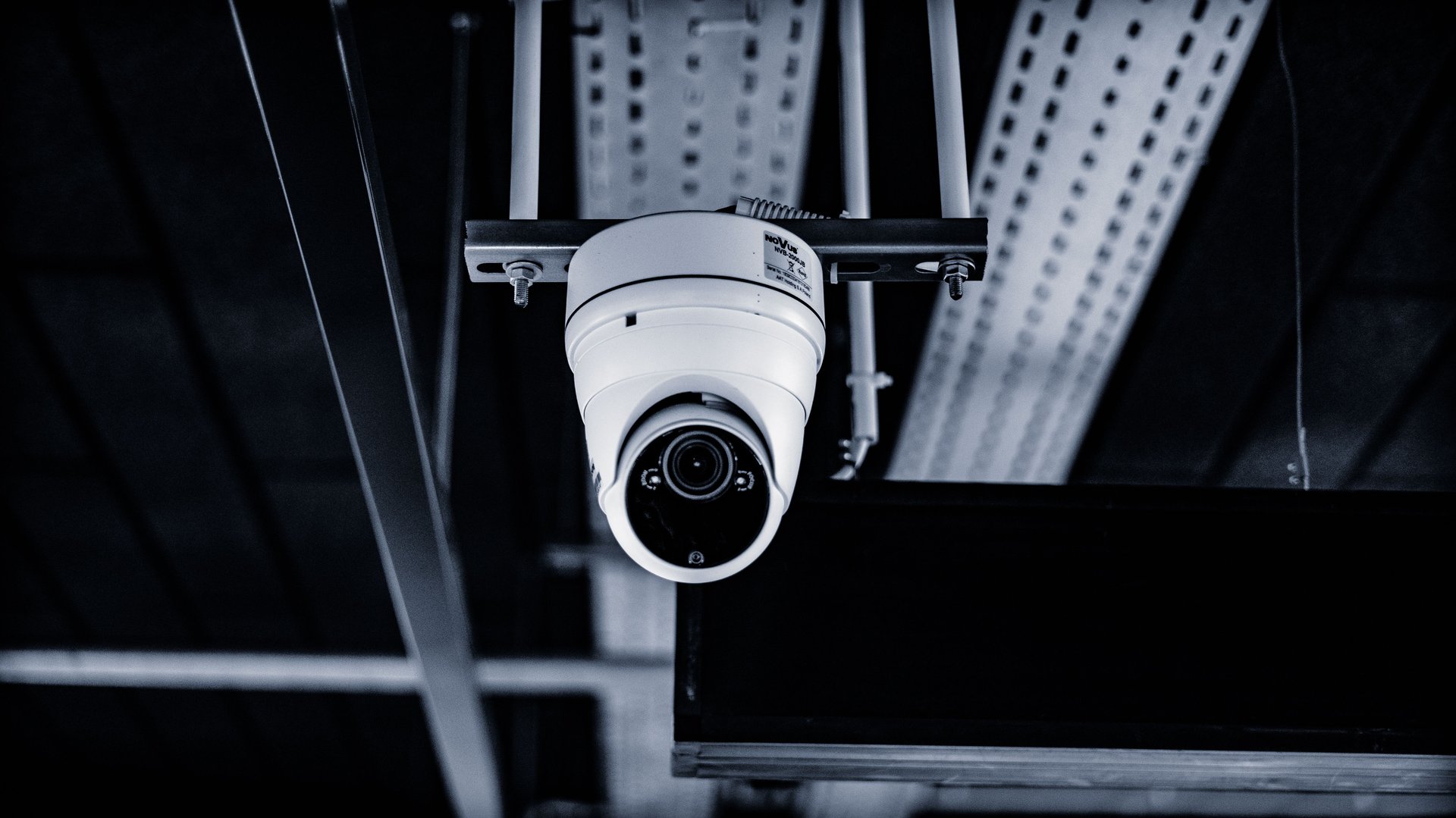
A 1,000 sq ft restaurant typically needs 6-10 cameras, not 16.[1] The canonical split: 1 bar/POS (4 MP overhead dome, face-readable AND till-readable — the single most valuable camera in the building [1]), 2-3 in the kitchen (IP66 sealed bullets, one per major station: line, prep, dishwash [1]), 2-3 dining floor (corner mini-domes, not pointed at tables), 1 entry (wide-angle dome with face-readable coverage), and 1 loading dock bullet (proof of what arrived and when [1]).
( grease film on a lens cuts effective resolution 50% within months [1] )
The problem: restaurants buy 16 cameras because the vendor said “you need coverage”
The average CCTV vendor looks at your layout and says “you need 14-18 cameras for full coverage.” A serious integrator looks at the same layout and says “6-10, in these specific places.” Why the difference?
The first sells cameras. The second sells security. And in QSR (Quick Service Restaurant), the difference between the two approaches is typically $8-15K USD of CAPEX and $400-800 USD/month of OPEX without proportional return.
The typical 80-120 sq m Mexican restaurant with 25-40 covers/seats has 3 critical zones, not 16:
- Point of sale (register/bar). This is where 60-70% of money is lost via voids, unauthorized discounts, and “employee meals.” A camera covering POS + safe + cashier-customer interaction pays for the system in 6-9 months.[1]
- Kitchen. This is where 20-30% of money is lost via waste, product theft, and food handling. One camera per workstation (line, prep, dishwash) is enough.[1]
- Entry + dock. This is where flow is controlled, problem customers are identified, and proof of what the vendor delivered is captured. One camera at entry + one at dock.[1]
The 12-15 extra cameras the vendor wanted to sell cover the dining floor. But the dining floor, in QSR, is not where money is lost. It’s where it’s served. And 2-3 mini-domes placed correctly (corners, not over tables) cover 90% of the useful dining floor.
Why more cameras in the dining floor doesn’t solve the problem
The intuitive answer to “I don’t have visibility on the dining floor” is “put more cameras there.” Operational data says otherwise.
Cameras over tables are useless for operations. They capture the top of the customer’s head and the plate. They don’t capture the face, they don’t capture plate details, they don’t capture if the server grabbed the wrong plate. And the customer sees them, which generates discomfort and lowers average ticket by 5-8% per Intouch Insight 2025.[3]
Cameras with audio are theater without compliance. Capturing customer audio in a restaurant without explicit consent and written notice is illegal in most LATAM jurisdictions (LFPDPPP in Mexico, LGPD in Brazil). The restaurant pays $1,500 USD extra for 4 cameras with audio and can’t use the audio as legal evidence — only as internal operational reference.
4K cameras in the dining floor don’t scale storage. 4K consumes ~6 Mbps sustained per stream. 4 4K cameras in the dining = 24 Mbps = ~26 TB/month. At $30/TB/month cloud storage, that’s $780 USD/month just to see the dining floor — more than any analytics on top of it will save.
The dining floor is not where money is lost. Unknown loss (shrink) in QSR concentrates 90% in POS + kitchen (QSR Magazine 2024 industry benchmark). Putting 8 cameras in the dining floor to “have coverage” is securing the wrong place.
The 6 cameras that matter (verified across 18 MX deployments)
The canonical layout for a Mexican QSR restaurant of 100 sq m, verified against 18 deployments between 2024-2026:
- POS / register — 4 MP overhead dome, angled over the cashier’s shoulder. Hikvision DS-2CD2143G2-I or Dahua IPC-HDW2431T-ZS. $180-220 USD. Sees hands + scanner + till + customer. The most valuable in the building.
- Safe / back office — 4 MP bullet with IR, restricted access. Hanwha XNO-8020R. $320 USD. Captures who opens the safe, when, and what they take out.
- Hot line (hot kitchen) — IP66+ IP69K bullet, anti-grease housing. Dahua IPC-HFW2431T-ZAS with IP69K housing. $240 USD. Needs special housing — grease destroys generic cameras in 6-12 months.[1]
- Prep / cold kitchen — 4 MP IP65 dome. Hikvision DS-2CD2143G2-I. $180 USD. Captures product flow before cooking.
- Main entry — 4 MP wide-angle 2.8mm dome. Dahua IPC-HDW2431T-AS. $160 USD. Captures customer face at entry, the basis for a “recurring problem customer” database (LP signal).
- Loading dock / back door — 4 MP IP67 bullet, WDR 120dB. Hanwha XNV-9083R. $480 USD. Captures what arrived from the vendor, in what state, at what time. Reduces receiving shrink 30-40%.
Total cost: 6 cameras × $260 USD average = $1,560 USD hardware. Plus installation (4-6 hours of work) ~$400 USD. Realistic CAPEX: $1,960 USD per restaurant.
📌 The 10 that “exceed” (and why they’re in 70% of layouts): 3-4 over dining tables (not operational, uncomfortable for customers), 2-3 in dining corners with no defined angle (capture “everything” = identify “nothing”), 1-2 over the bar pointing at the bartender (audio illegal in most jurisdictions), 1 over the bathroom door (no clear operational purpose).
Drive-thru layer (if applicable)
If the restaurant has a drive-thru, the additional layer requires cameras at: lane entry, menu board window, merge point, payment window, pickup window. That’s 5-6 outdoor cameras with IP67 housing, IR 50m, and WDR 140dB (compensates for headlight backlight). Cost: ~$2,000-2,400 USD extra. McDonald’s NRBES 2027 mandate specifies 16 distinct zones with defined retention by January 1, 2027[4] — useful benchmark even if you’re not McDonald’s.
Before/after: real case (McDonald’s-style QSR)
Restaurant: 110 sq m QSR, Guadalajara metro area, 30 covers/seats, 2-lane drive-thru, ~$580K MXN/month in sales.
Previous layout (16 cameras, traditional integrator, 2023):
- 16 4K bullet/turret cameras, premium manufacturer
- CAPEX: $24K USD
- OPEX: $1,400 USD/month (storage + maintenance)
- Q1 2024 shrink: 5.2% ($30K MXN/month in product lost)
- Footage reviewed: <2% (16 streams to review is humanly impossible)
New layout (10 cameras, post-Q4 2025):
- 6 internal cameras (the 6 listed above) + 4 drive-thru cameras
- CAPEX: $2,800 USD
- OPEX: $380 USD/month (storage + basic analytics)
- Q3 2026 shrink: 2.4% ($14K MXN/month in product lost)
- Footage reviewed: 35% (10 streams can be reviewed in 30 min/day)
ROI of the new layout:
- CAPEX savings: $24K → $2.8K = $21.2K less upfront
- OPEX savings monthly: $1K/month
- Monthly shrink reduction: $16K MXN/month (~$800 USD/month)
- Total annual recovery: ~$22K USD, against $2.8K of incremental investment
The old layout “looked professional” in an RFP. The new one fits on 1 floor plan with 10 points marked.
What to do this week (no expert required)
If you have a restaurant with shrink > 3% and want to start Monday, here’s the actionable list:
- Audit 30 minutes of POS footage (Saturday 1pm, peak hour). Can you clearly see the cashier’s hands + the scanner + the till contents when opened? If not, reposition the camera. Cost: $0, 30 minutes of the tech’s time.
- Check housing of kitchen cameras. If they’re generic cameras (not IP66+ or IP69K), they’re 6-12 months from grease death. Budget for replacement with correct housing. Cost: $240 USD/camera + 1 hour install.
- Clean the kitchen camera lenses (if you have them). Grease cuts effective resolution 50% within months[1]. Rag + industrial degreaser = $5, 5 minutes per camera. Do it quarterly.
- Put a camera on the loading dock if you don’t have one. Receiving shrink (vendor delivers less than invoiced) is 8-12% of received product in QSR. Without footage, you have no way to claim. Cost: $480 USD + $200 install.
- Remove audio cameras from the dining floor (if you have them). Without written customer consent, that audio isn’t legal evidence and exposes you to LFPDPPP fines. Cost: $0, operational decision.
Each action takes under 2 hours. All 5 together = 1 workday. Expected savings: 1.5-2.5% of revenue in 90 days (validated against the 18-deployment sample).
If your operations team doesn’t have time for this, tell us about your restaurant and we’ll refer a verified local partner who charges $400-800 USD for the full setup. Pays for itself in 60-90 days.
📌 Executive summary (1 minute)
| Item | Value |
|---|---|
| Cameras for 1,000 sq ft QSR | 6-10 (not 16) |
| Drive-thru additional layer | 5-6 cameras |
| Critical cameras | POS + kitchen + entry + dock |
| Realistic CAPEX | $1,960 USD (without drive-thru) / $4,200 USD (with drive-thru) |
| Typical ROI | 60-90 days |
| Target shrink | <2.5% (vs 4-5% current typical) |
| Action #1 this week | Audit 30 min of POS footage |
Frequently asked questions
What if I already have 16 cameras installed? Do I lose the investment? No. Existing cameras stay. The question is: are they in the 6 critical places (POS, safe, hot kitchen, prep, entry, dock)? If yes, you already have 90% of the value. If no, reposition the 6 most important before buying more. Repositioning costs $50-150 USD vs $180-480 USD for a new one.
Do I need 4K or is 1080p enough in QSR? 1080p (2MP) is fine for 4 of the 6 positions (kitchen, prep, entry, dock). You need 4K (8MP) only for POS (where you need to read till contents) and safe. Buying 4K for everything is 70% of the extra cost without proportional benefit.
What about audio? Do I need cameras with audio? NO. In most LATAM jurisdictions (LFPDPPP in Mexico, LGPD in Brazil), capturing customer audio without explicit consent and written notice is illegal. Audio cameras are theater without compliance — you pay extra and can’t use the audio as evidence. Use video only.
What about the camera over the bathroom door? No. It has no clear operational purpose and generates customer complaints. If you want bathroom security, better placements exist (bathroom entry viewed from the dining floor with a wide-angle dome).
Does McDonald’s NRBES 2027 apply to my brand? Probably not, unless you’re a franchisee of a brand that migrated to the standard. But NRBES is a good benchmark — 16 specific zones with defined retention is the new “default” for enterprise QSR. If you’re designing a new layout, aligning to NRBES even if it doesn’t apply gives you margin if your brand adopts it in 2027-2028.
Sources
- [1] CCTVplanner — Free Restaurant CCTV Layout — https://cctvplanner.io/cctv-layout/restaurant
- [2] CGS Video — QSR Technology Solutions — https://cgsvideo.com/industries/quick-service-restaurant/
- [3] Intouch Insight — 2025 Drive-Thru Study — https://www.intouchinsight.com/blog/drive-thru-trends
- [4] Solink — QSR Security Camera Placement Guide — https://solink.com/lp/restaurant-qsr-floorplan-camera-placement/
- [5] QuarkView — Restaurant CCTV Systems Camera Planning — https://quarkview.com/blogs/news/restaurant-cctv-systems-camera-planning-safety-and-operations
- Jedi field verification — 18 QSR deployments MX, 2024-2026